

Separator
Add a visual separator/divider line to your content.
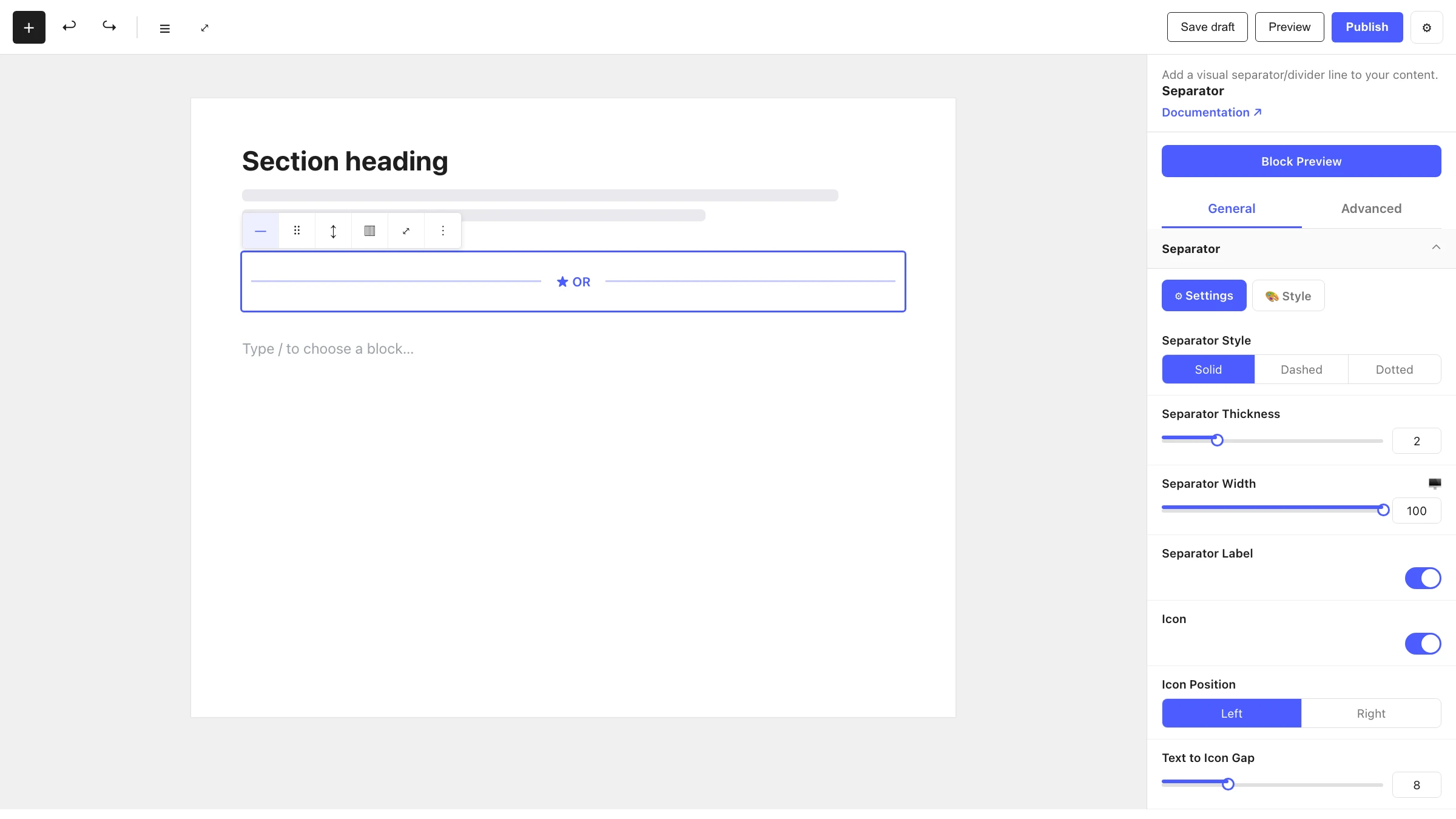
The Separator block adds a horizontal divider to break up your content. Beyond a simple line, it supports different line styles, an optional centered label, and an optional icon alongside that label.
When to use it
- To visually separate sections or paragraphs of content.
- To add a labelled divider (e.g. "OR", "Continue below").
- To place a decorative icon between two areas of a page.
How to add it
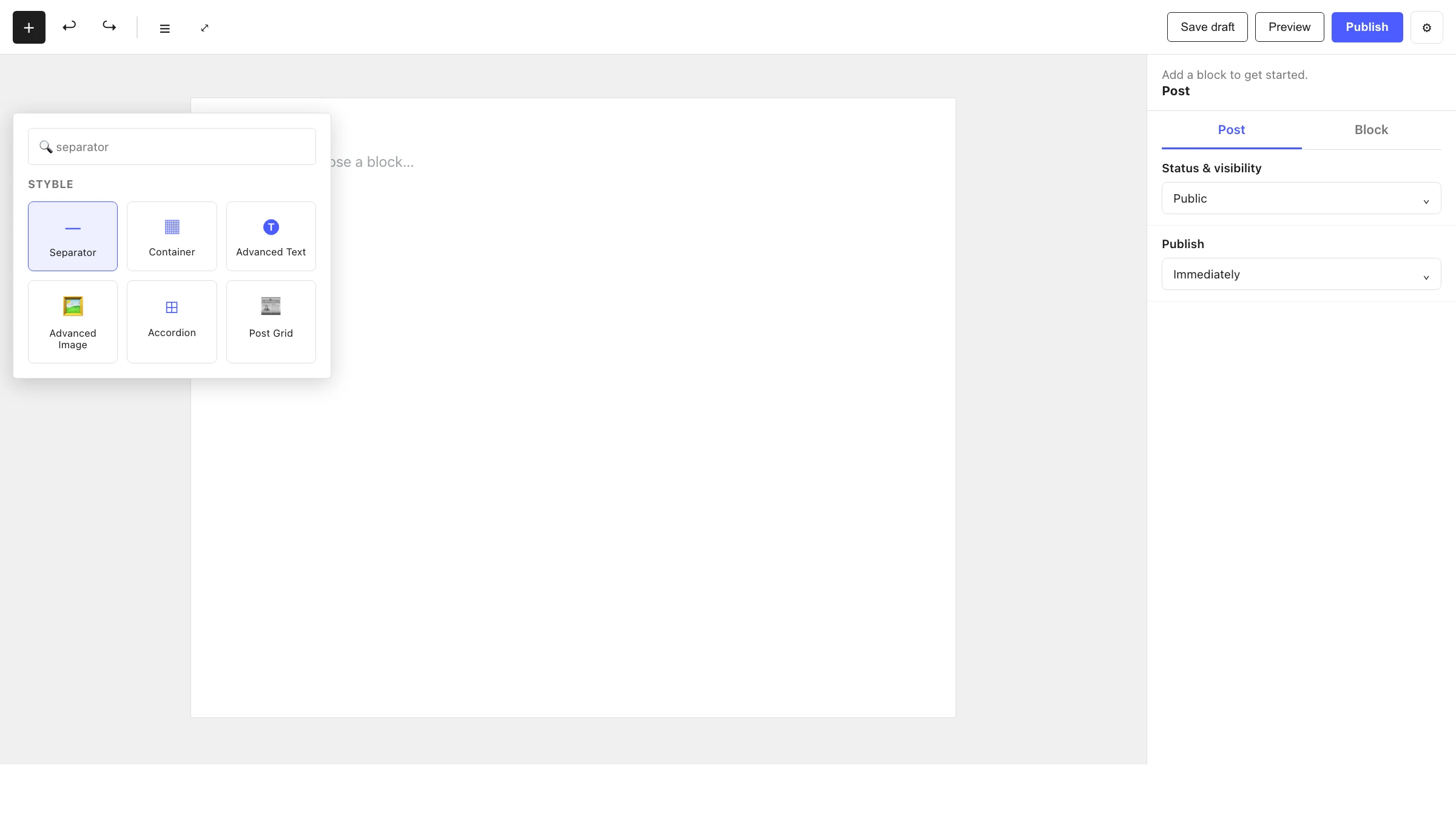
- Click the + block inserter in the editor.
- Search for Separator and select it.
- Adjust the style, thickness and width, then optionally enable a label or icon.
Settings
Select the block and open the inspector on the right. Settings are split across two tabs: General (specific to this block) and Advanced (shared by all Styble blocks). Each General panel also has Settings and Style sub-tabs.
General tab
Separator
The divider line itself:
| Control | What it does |
|---|---|
| Separator Style | The line style (solid, dashed, dotted, etc.). |
| Separator Thickness | Thickness of the line in px. |
| Separator Width | Width of the line (px or %). |
Separator Label
Enable the Separator Label toggle to add centered text, with an optional icon:
| Control | What it does |
|---|---|
| Separator Label | Toggle the label on/off. |
| Label | The label text. |
| Icon | Toggle an icon next to the label. |
| Icon Position | Place the icon Left or Right of the text. |
| Icon Size | Size of the icon in px. |
| Text to Icon Gap | Spacing between the text and icon. |
| Gap Between Items | Spacing between the label group and the lines. |
Advanced tab
The Advanced tab is shared by every Styble block (Section Preferences, Transform, Scrolling Effects, Motion Effects, Position, Masking, Cursor, Responsive, Attribute, Custom CSS). See Advanced settings for the full reference.
Nesting & relationships
- Separator can be placed anywhere, including inside a Container or Column.
- Supports wide and full width alignment from the block toolbar.
Tips & common patterns
- Use a labelled separator with "OR" between two call-to-action options.
- Pair a thin Separator Width: 100% line with a centered icon for an elegant section break.
- Match the line color and label typography to your brand via Global Settings.